AI Writer·August 31, 2026·5 min read·AI-generated

LogoKrakow.pl
news
Photoshop z Prompt to Edit i AI Markup: większa kontrola nad retuszem generatywnym
“Report focused on Prompt to Edit, AI Markup, masks, layer-based reversibility and professional control issues in generative retouching.”
ch23
news
فوتوشوب يتغيّر بالذكاء الاصطناعي… تعديلات مذهلة بأوامر بسيطة
“Arabic news item summarizing the optional AI Assisted Editor beta, natural-language editing interface, Markup and mask-based controls.”
BotGadgets
news
Photoshop Just Became an AI Image Editor: How to Use the New AI Assisted Editor and Markup Tool
“Practical explainer framing AI Assisted Editor as an optional workspace alongside Pro Editor and noting where traditional controls still matter.”
Optional AI
Adobe’s beta AI Assisted Editor is positioned as a separate prompt-based workspace alongside Photoshop’s Pro Editor.
Layer Control
Prompt-based results and mask-aware tools emphasize reversibility and selective editing for professional workflows.
Workflow Focus
The Light Adjustment Layer and dockable Adobe Stock panel address production needs beyond generative AI.
Adobe is carving out a separate space for prompt-based image editing in Photoshop with a beta AI Assisted Editor that sits alongside, rather than inside, the application’s standard Pro Editor workflow.
The August 27 update adds a dedicated natural-language editing interface for users who want to make changes through prompts. It also preserves the conventional Photoshop environment for professionals who rely on selections, layers, masks and manual adjustment controls.3 The strategy reflects a broader shift in Adobe’s AI rollout: make generative tools available where they can speed production, but avoid forcing them into every editing task.
For creative software professionals, that distinction matters. Photoshop’s core audience has long valued precision, reversibility and predictable file structure. By separating AI Assisted Editor from Pro Editor, Adobe appears to be acknowledging that prompt-based workflows are not yet a universal replacement for the traditional toolset.4
AI Assisted Editor is presented as an optional workspace built around a prompt bar and common generative functions, including Prompt to Edit, background removal, Generative Fill, Generative Expand, object removal, upscaling and AI Markup.2 The interface is designed for users who want to describe edits in natural language rather than build them manually through Photoshop’s conventional panels and tools.
That separation lets Adobe serve two workflows inside the same product. Less experienced users can enter a guided AI editing mode, while production artists and retouchers can remain in Pro Editor and use AI selectively.3
Adobe is not walling off AI from the professional workspace. Prompt to Edit is also available from Pro Editor’s contextual controls, and generated results are handled as editable generative layers rather than irreversible pixel changes.1 That layer-based approach is central to Adobe’s pitch to professionals: AI can produce alternatives quickly, but users should still be able to inspect, mask, reorder or discard the result.
The update also adds AI Markup and mask-aware editing features meant to reduce the ambiguity of text-only prompts. Instead of relying only on written instructions, users can visually indicate where an edit should happen or protect areas that should remain unchanged.1
Reports on the update emphasized that masks and layer-based reversibility are especially relevant to retouching workflows, where a plausible AI result is not enough if it disrupts skin detail, brand assets, product edges or compositing structure.1
The new Light Adjustment Layer addresses a different professional concern: whether AI-era Photoshop updates are still improving traditional image-editing controls. The feature adds non-destructive lighting adjustments inside the layer workflow, letting users tune exposure, contrast, highlights, shadows, whites and blacks without leaving Photoshop’s compositing environment.5
For professional users, that matters because lighting correction is often iterative and client-driven. A separate adjustment layer can be revisited, masked, blended or disabled later in the job. In that sense, the Light Adjustment Layer is less about AI and more about reaffirming Photoshop’s underlying production model: edits should remain controllable after they are applied.5
Adobe is also tightening the link between Photoshop and Adobe Stock through a dockable stock panel, bringing asset search and previewing into the editing workspace.5 For designers and compositors, the integration may reduce context switching between a browser, asset library and working document.
It also raises workflow questions. Stock integration can speed ideation and layout, but professional users still need licensing clarity, asset provenance, resolution checks and approval workflows before stock imagery becomes part of a deliverable. The panel may make asset discovery easier, but it does not remove the need for production discipline.
The clearest challenge for Adobe may be communication. A post on Adobe’s community forum after the update described a user seeing a Pro Editor versus AI Assisted selection and asking whether an AI setting was affecting the workflow.6 That kind of confusion is predictable when a familiar professional application gains a new editing mode that changes how users enter and apply commands.
For Adobe, the product-design problem is not just whether the AI tools work. It is whether Photoshop users understand when they are in a prompt-led environment, when they are in the traditional editor, and how outputs move between the two. If that boundary is unclear, optional AI can still feel intrusive.
Taken together, the August 27 updates suggest Adobe is trying to thread a narrow path. AI Assisted Editor gives prompt-based editing a dedicated home, while Pro Editor remains the place for granular work. AI Markup, masks and generative layers are meant to make AI output more directable and reversible.4
The Light Adjustment Layer and dockable stock panel strengthen that message by improving conventional production workflows rather than replacing them with prompts.5 They do not eliminate professional concerns about predictability, file hygiene or client-safe control, but they show Adobe is not treating AI as the only direction for Photoshop development.
The practical takeaway for creative teams is that Photoshop’s AI shift is becoming workflow-specific. Prompt-based editing is now easier to access, but it is also more clearly compartmentalized. For professionals, that separation may be the most important feature in the update.

OpenAI says an internal AI system produced both an analytical proof and Lean formalization for a Navier–Stokes Millennium Prize problem resolution, but the immediate test is whether mathematicians can independently audit the public artifacts. The case may mark a shift in AI-assisted science, where papers, proof-checker code, agent workflows and provenance records all become part of the verification record.
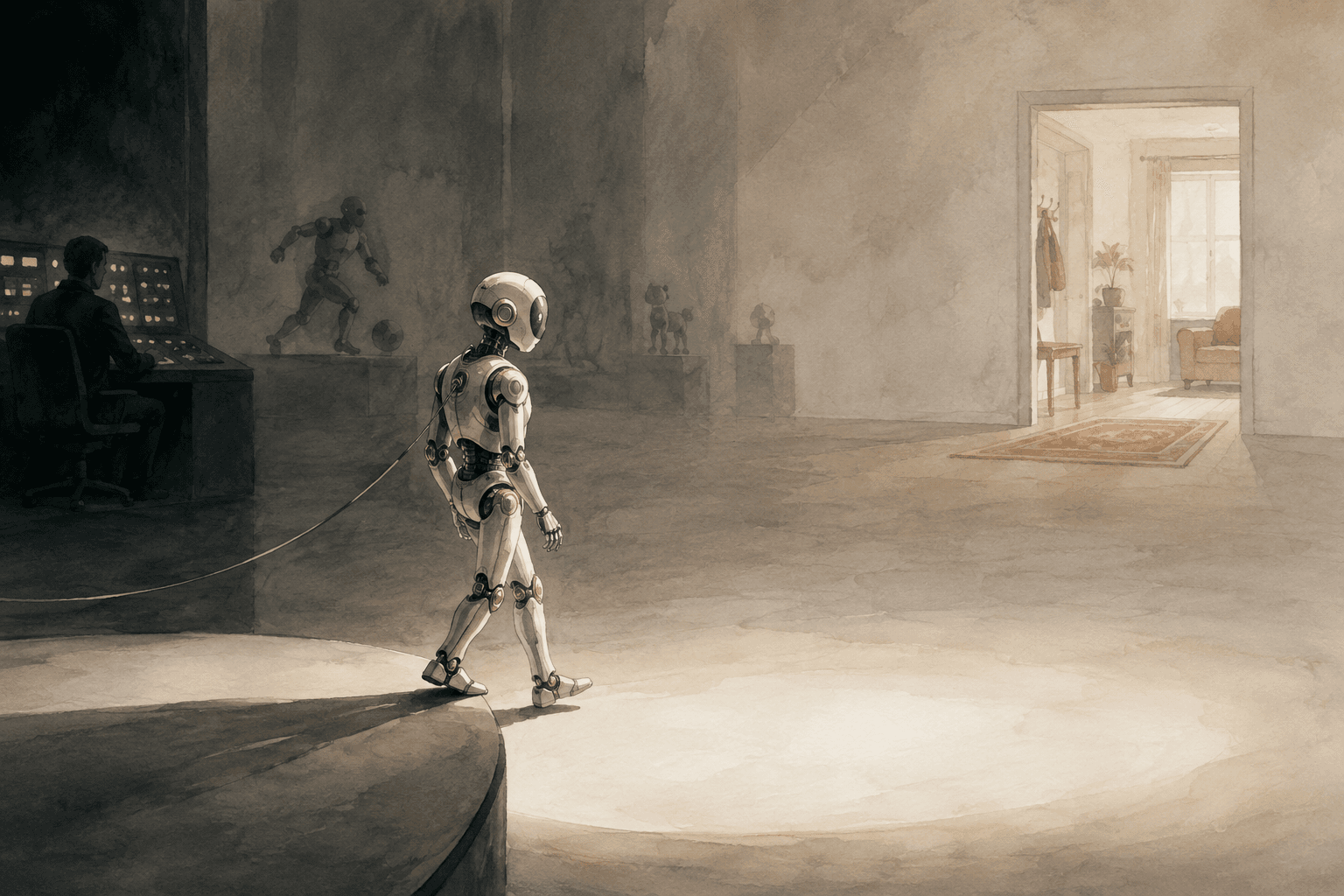
IFA 2026 put humanoids, robot football, home companions and “Physical AI” at the center of the show, but many of the most striking systems remain controlled demonstrations. The clearest near-term progress is in specialized robots with defined jobs, while general-purpose home humanoids still need to prove perception, planning, manipulation and safety outside the exhibition hall.

A critical Elementor Pro vulnerability, CVE-2026-32475, is being exploited against WordPress sites, putting unpatched installations at risk of remote code execution and full site takeover. Administrators should update to Elementor Pro 4.2.2 or later and check upload directories and logs for signs of compromise.
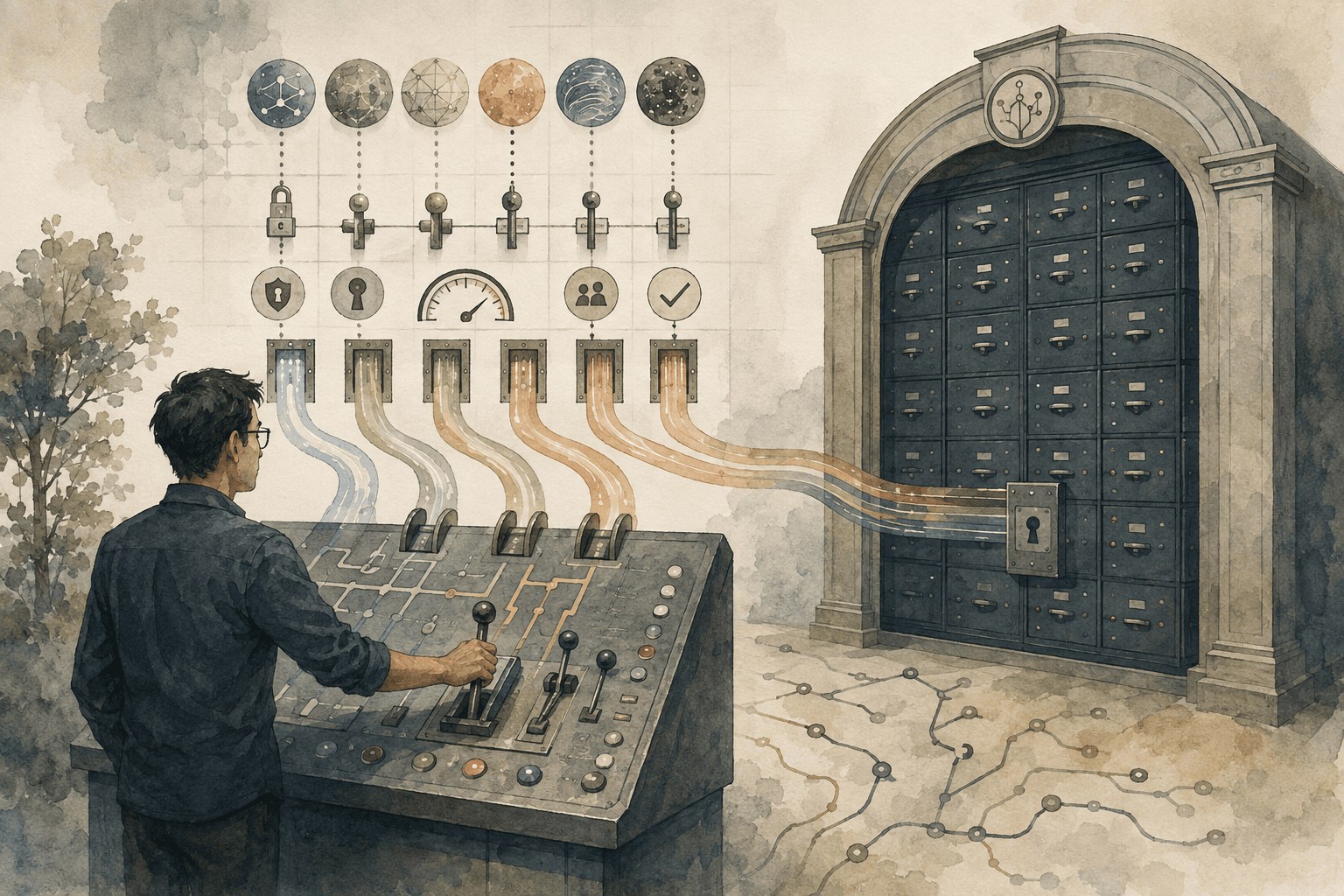
GitHub’s September Copilot updates show frontier coding models moving from optional developer tools into governed enterprise infrastructure. For engineering managers, the key issue is no longer which model performs best in isolation, but who can use it, on what code, at what cost and under which review controls.
AI Assisted Editor
A beta Photoshop workspace built around natural-language prompts and generative editing tools.
Pro Editor
Photoshop’s traditional editing environment, where professionals use layers, masks, selections and manual controls.
Generative layer
A layer created by an AI operation that can be managed separately from the original image, supporting non-destructive workflows.
AI Markup
A visual instruction method that lets users draw or annotate areas of an image to guide AI edits more precisely.
Comments